Slow phones are frustrating. Apps take longer to open, scrolling feels laggy, and even simple tasks become annoying. If you want to speed up Android and iOS devices in 2026, this guide will help you fix the most common performance problems without any technical skills. These steps work for both Android phones and iPhones and are safe for daily users.
Modern smartphones are powerful, but over time, they collect junk files, unused apps, and background processes that slow everything down. The good news is that most speed issues can be fixed with simple settings and habits.
Why Android and iOS Devices Become Slow Over Time
Phones do not slow down overnight. It usually happens gradually because of daily use.
One major reason is limited storage. When your phone storage is almost full, the system struggles to manage apps and data smoothly. This affects app loading speed and overall performance.
Another common cause is too many background apps. Many apps keep running even when you are not using them. They consume memory and battery, which makes the phone feel slow.
Outdated software can also cause performance problems. Older system versions may not be optimized for newer apps, leading to lag and crashes.
Cached data and temporary files are another hidden issue. These files help apps load faster at first, but when they grow too large, they slow things down instead.
Clear Storage to Improve Performance
Freeing up storage is one of the fastest ways to improve phone speed.
On Android, open Settings, go to Storage, and review what is using space. Remove unused apps, old videos, and duplicate photos. Clearing app cache can also help, especially for social and messaging apps.
On iPhone, go to Settings, then General, then iPhone Storage. You will see recommendations to remove unused apps and large files. Follow these suggestions carefully.
Keeping at least 20 to 25 percent storage free helps your phone run smoothly.
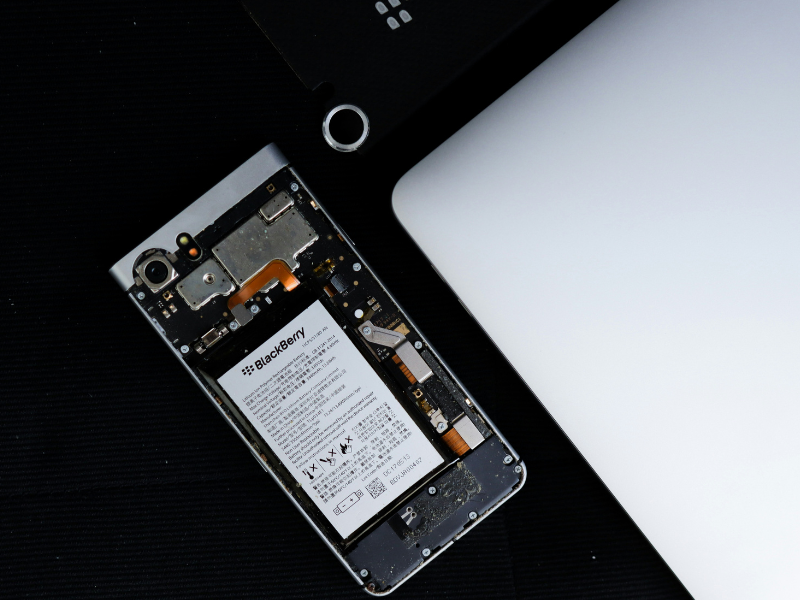
Restart Your Phone Regularly
Many users never restart their phones. This is a mistake.
Restarting clears temporary memory, stops background processes, and refreshes the system. It can fix minor bugs and improve speed instantly.
Try restarting your phone at least once a week. This simple habit helps both Android and iOS devices stay responsive.

Reduce Background App Activity
Background apps are a major reason phones slow down.
On Android, go to Settings, then Apps, and review which apps run in the background. Restrict background activity for apps you do not use often.
On iPhone, open Settings, then General, then Background App Refresh. Turn it off completely or allow only essential apps.
This step improves performance and battery life at the same time.
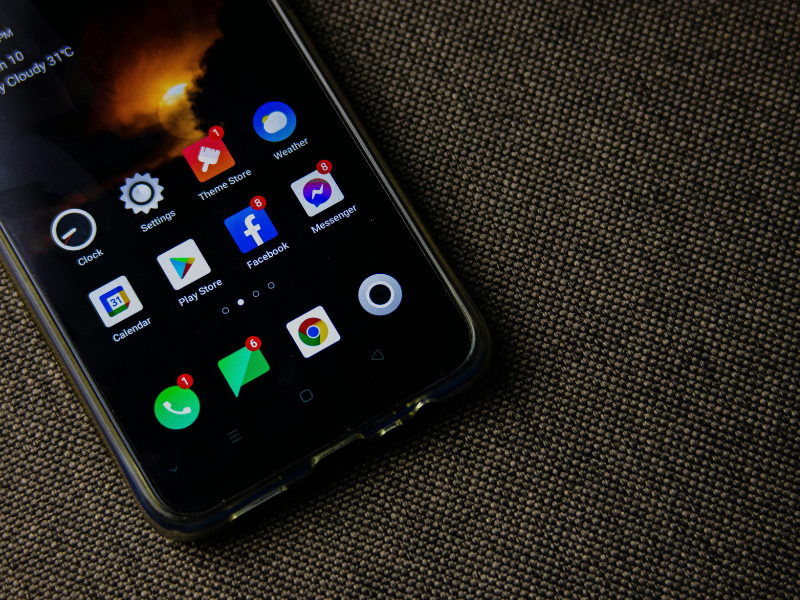
Update Your System Software
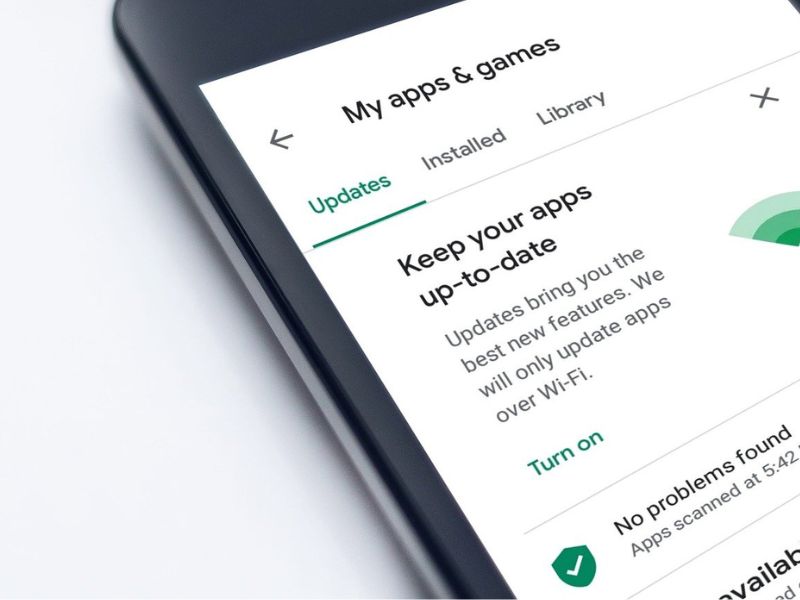
Software updates are not just about new features. They often include performance improvements and bug fixes.
Check for updates regularly and install stable versions. Avoid beta updates if your phone is already slow.
Updated software helps your device work better with modern apps and security patches.
Remove Unnecessary Animations
Animations look nice, but they use system resources.
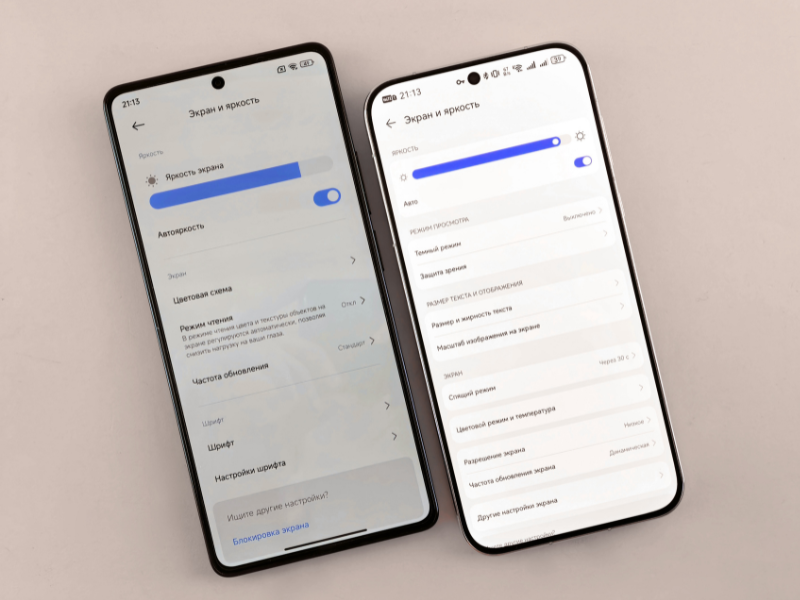
On Android, you can reduce animation scale in Developer Options. This makes the phone feel faster without changing functionality.
On iPhone, go to Accessibility settings and reduce motion. This improves responsiveness, especially on older devices.
Check for Problematic Apps
Some apps are poorly optimized and cause lag.
If your phone becomes slow after installing a specific app, consider uninstalling it. Watch for apps that crash often or drain battery quickly.
Using lighter alternatives for heavy apps can also improve performance.
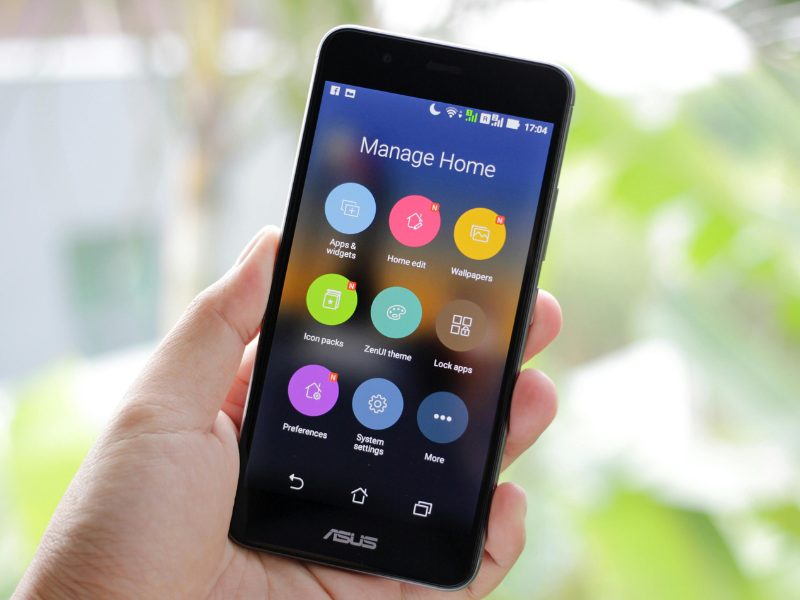
Advanced Tips to Speed Up Android and iOS Devices
Reset app preferences on Android if settings become messy. This does not delete data but restores default behavior.
On iPhone, resetting settings can fix hidden issues. This will not erase personal data but resets system preferences.
As a last option, a factory reset can bring back original speed. Always back up your data before doing this.
Common Mistakes Users Should Avoid
Do not install cleaning apps that promise instant speed boosts. Many of them consume resources and show ads.
Avoid filling the storage. Leave free space for smooth performance.
Do not ignore system updates for long periods.
Frequently Asked Questions
Why is my phone still slow after clearing storage?
Other factors like background apps, outdated software, or weak hardware may be involved.
Does restarting really help phone speed?
Yes, restarting clears temporary memory and stops unnecessary processes.
Is a factory reset safe for performance issues?
Yes, if done properly with a backup, it often restores original speed.
How often should I clean my phone storage?
Once every few weeks is enough for most users.
Final Thoughts
If you want to speed up Android and iOS devices in 2026, focus on simple habits instead of complicated tools. Keep storage free, manage apps wisely, restart regularly, and stay updated. These steps keep your phone fast, stable, and enjoyable to use for a long time.