
AI writing tools for Android have become a daily helper for many users in 2026. From students working on assignments to bloggers writing drafts on their phones, mobile AI writing apps are now part of everyday productivity.
However, many Android users still feel confused. Some apps give weak results, some feel hard to use, and others do not work as expected. This guide explains AI writing tools for Android in a simple and practical way, so you can use them correctly and get useful results without harming content quality or Google rankings.
Why Android Users Struggle With AI Writing Apps
Most problems do not come from the apps themselves. They happen because:
- Users expect perfect content without editing
- The input text is too short or unclear
- App permissions are not set correctly
- Free versions have limits
- The internet connection is unstable
AI writing tools are assistants, not replacements. When used with the right method, they become powerful and reliable.

What Are AI Writing Tools on Android?
AI writing tools are mobile applications that help users write text faster and more clearly. On Android, these tools usually help with:
- Drafting articles and essays
- Fixing grammar and sentence flow
- Generating ideas and outlines
- Rewriting text in simple language
They work best when users give proper instructions and review the final output.
How AI Writing Tools Work on Android Devices
On Android phones, AI writing apps work in three common ways:
- Standalone apps where you write inside the app
- Keyboard-based tools that help while typing
- Copy-paste tools that improve existing text
These tools analyze your input and suggest improved text based on language patterns.
Step-by-Step: How to Use AI Writing Tools on Android Properly
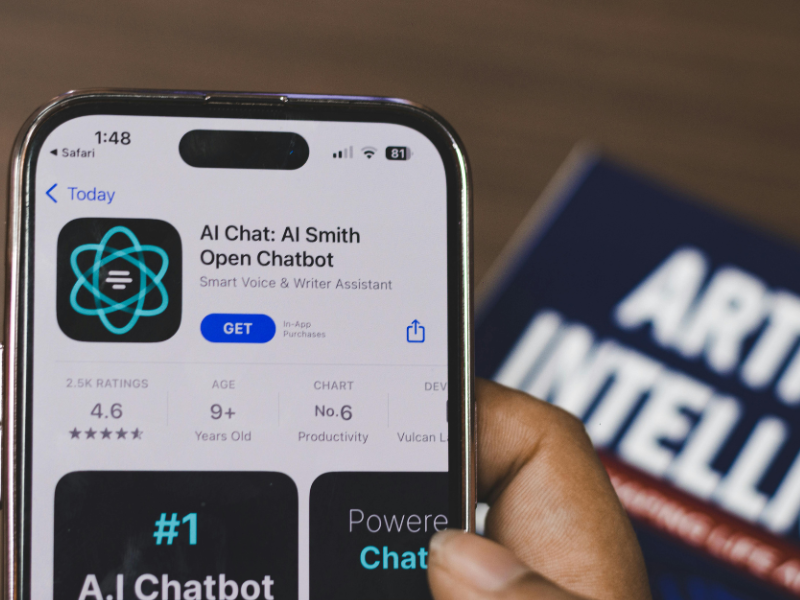
Step 1: Choose One Reliable App
Avoid installing many apps at once. Pick one AI writing app and learn it properly. Look for:
- Clean interface
- Android compatibility
- Clear language options
- Draft saving feature
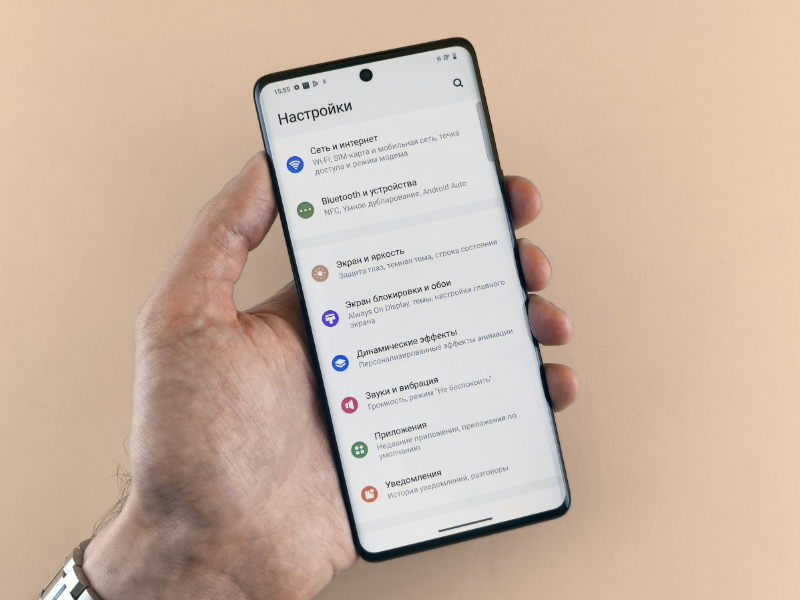
Step 2: Allow Required Permissions
After installing the app:
- Allow keyboard or clipboard access if needed
- Enable storage permission for saving drafts
- Select English as default language
Wrong permissions can stop the app from working correctly.
Step 3: Write Clear Instructions
Good results depend on clear input.
Weak input:
“Blog post”
Better input:
“Write a simple blog introduction about Android battery saving tips”
Clear instructions always give better output.
Step 4: Review and Edit the Content
Never use AI text without editing. Always:
- Read the text carefully
- Fix robotic sentences
- Add your own examples
- Remove repeated lines
This keeps the content natural and AdSense-safe.
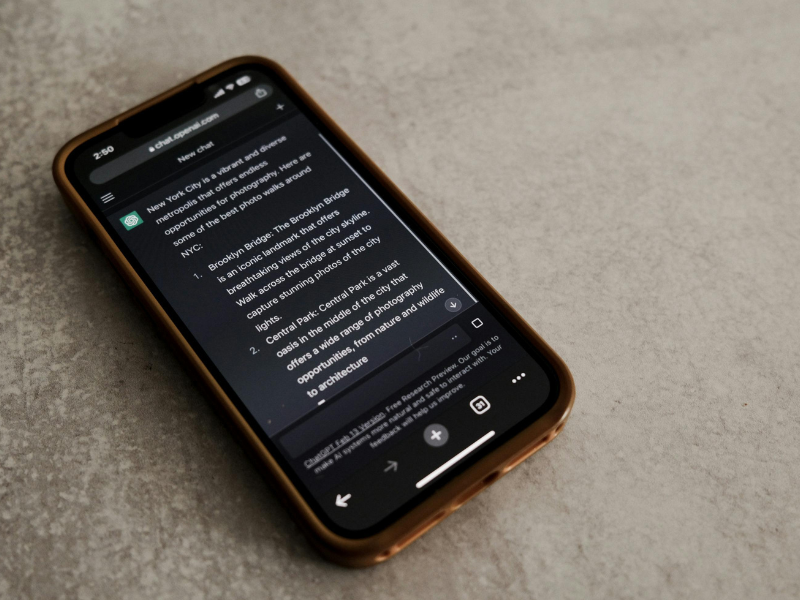
Best Uses of AI Writing Tools for Android Users
AI writing apps are helpful for:
- Students and homework help
- Bloggers and article drafts
- Freelancers writing proposals
- Social media captions
- Email writing
They save time but still need human review.
Common Mistakes Android Users Should Avoid
Avoid these mistakes if you want good results:
- Copy-pasting without editing
- Using AI for final publishing only
- Repeating the same content everywhere
- Ignoring grammar review
- Overusing keywords
These mistakes can hurt quality and rankings.
Troubleshooting AI Writing Apps on Android
If the app is not working properly, try:
- Clearing app cache
- Updating the app
- Restarting your phone
- Checking internet connection
Advanced Tips for Better Results
If you want better output:
- Use AI for outlines, not final drafts
- Combine AI text with your own ideas
- Save good input formats for reuse
- Proofread before publishing
These steps improve content quality long term.
Frequently Asked Questions
Q1: Are AI writing tools safe to use on Android?
Yes, if you download apps from trusted sources and review content before use.
Q2: Can students use AI writing apps?
Yes, but content should be edited and personalized.
Q3: Do AI writing tools work offline?
Most require internet, but drafts can be saved offline.
Q4: Can bloggers use AI writing tools on Android?
Yes, especially for outlines and first drafts.
Conclusion
AI writing tools for Android are very useful in 2026 when used the right way. They help users write faster, organize ideas, and improve clarity, but they should never replace human thinking.
If you want long-term success, use AI as support, not as a shortcut. Edit every draft, keep language natural, and focus on helping real users. This approach keeps your content safe, useful, and ready for Google rankings.