Introduction
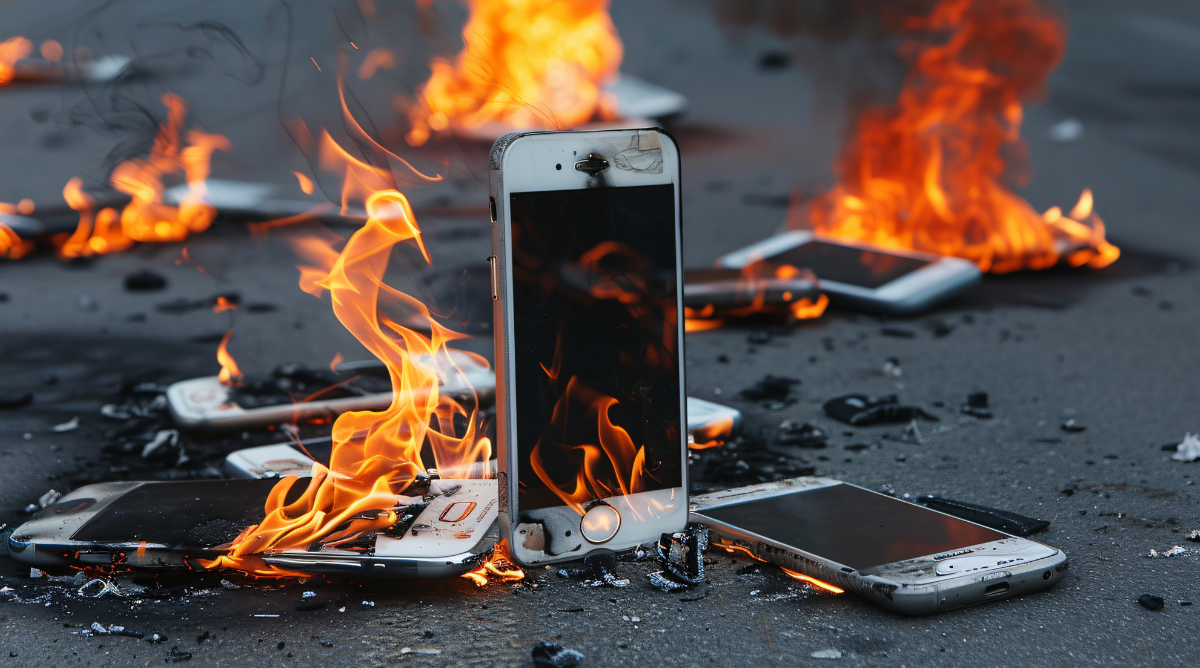
Android phone overheating causes and fixes is important to understand if your device feels unusually hot during daily use. Overheating not only affects performance but can also shorten battery life and make your phone uncomfortable to handle.
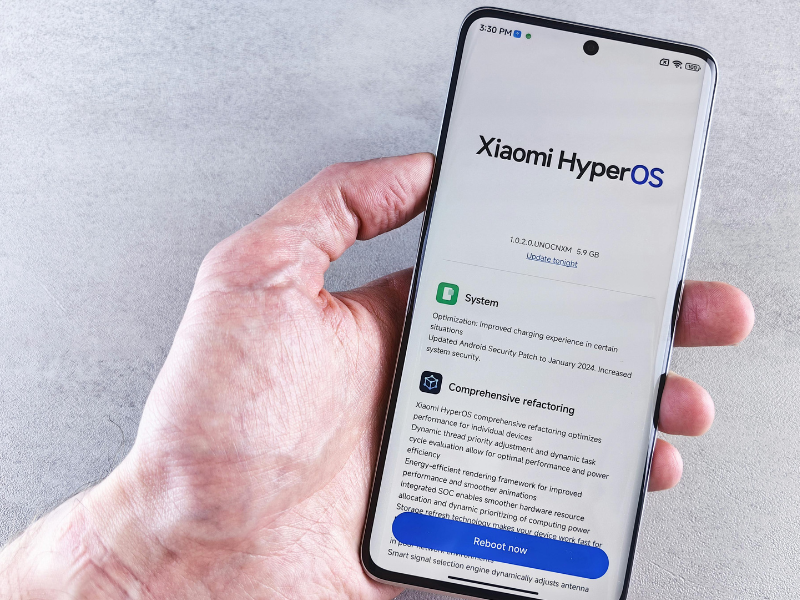
Another common issue is environmental exposure. Using your phone in direct sunlight or hot weather can quickly raise its temperature, even if you are doing simple tasks like browsing or texting.
Android Phone Overheating Causes and Fixes Explained
Common Causes of Android Phone Overheating
Heavy app usage, especially gaming or video recording, forces the processor to work continuously. This sustained load generates heat that slowly spreads across the phone body.

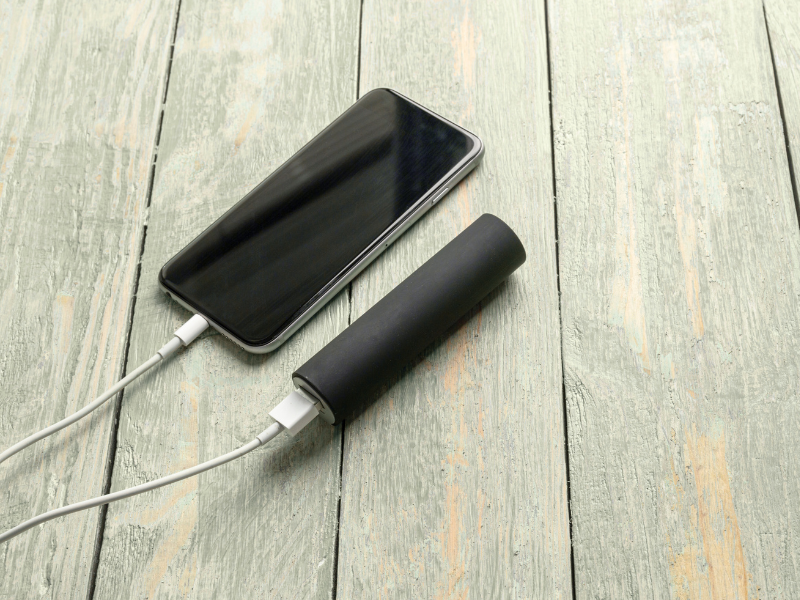
Charging habits also play a role. Using your phone while charging or relying on low-quality chargers can increase heat production and stress the battery.
How Android Phone Overheating Causes and Fixes Work Together
Fixing overheating starts by reducing unnecessary workload. Closing unused apps and limiting background activity allows the phone to cool down naturally without affecting usability.
Step-by-Step Fixes for Android Phone Overheating
Android Phone Overheating Causes and Fixes Through Settings
Lowering screen brightness and disabling unused features like Bluetooth or GPS can significantly reduce heat during daily use.
Safe Charging Practices
Allow your phone to charge without interruption. Removing thick cases while charging helps heat escape more easily.
Deep Explanation of Android Phone Overheating Causes and Fixes
Why Heat Affects Performance
When temperatures rise, Android automatically slows down the processor to prevent damage. This is why overheated phones often feel laggy or unresponsive.
Troubleshooting & Common Mistakes
Many users try placing phones in refrigerators, which can cause moisture damage. Instead, always cool your device naturally by turning it off and placing it in a shaded area.
Advanced / Optional Tips
If overheating continues, a factory reset may help by removing corrupted settings or apps. Always back up important data before trying this option.
FAQ
Why does my Android phone overheat during normal use?
This usually happens due to background apps, high brightness, or poor signal strength forcing the phone to work harder.
Can overheating damage my Android phone?
Yes, prolonged heat can reduce battery health and affect internal components over time.
Is phone heating while charging normal?
Mild warmth is normal, but excessive heat usually indicates charging or battery issues.
Conclusion
Understanding the causes and fixes for Android phone overheating helps you protect your device, improve performance, and extend battery life with simple daily habits and smart usage choices.