
Introduction
Cloud collaboration apps 2026 are transforming the way teams work together, especially on Android devices. These apps help businesses and individuals streamline communication, manage projects, and share files in real time. From messaging and video calls to task management and document collaboration, the latest cloud apps are designed to improve productivity, reduce confusion, and simplify workflows. In this article, we’ll cover the top cloud collaboration apps of 2026, explain their features, and guide you on choosing the best tools for your team.
The Problem: Challenges in Team Collaboration
Many teams struggle with scattered communication, lost files, and inefficient workflows. Without proper collaboration tools, employees waste valuable time switching between email, chat apps, and project trackers. These issues often result in missed deadlines, duplicated work, and reduced productivity. Cloud collaboration apps address these challenges by centralizing communication, providing real-time updates, and allowing seamless file sharing across devices.
Main Cloud Collaboration Apps to Boost Productivity
1. Google Workspace
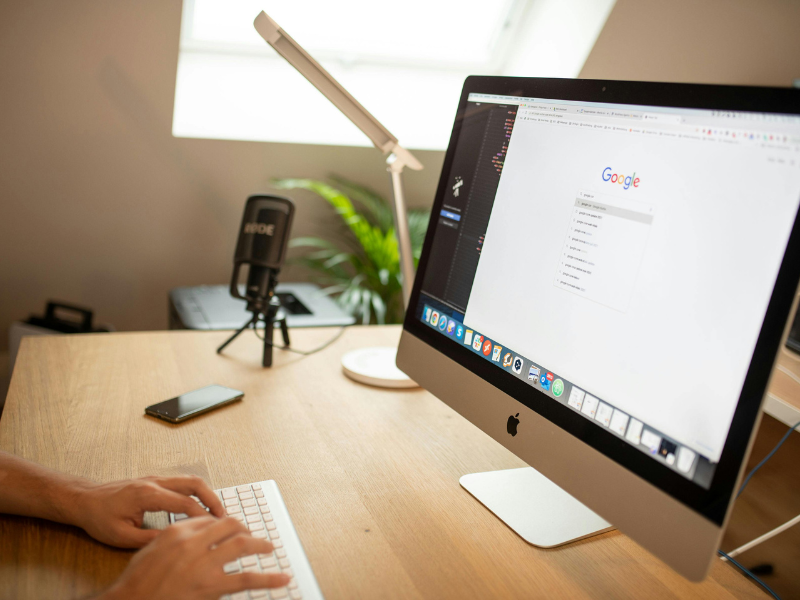
Google Workspace remains a top choice for cloud-based productivity. With Gmail, Docs, Sheets, Slides, and Drive integrated, teams can collaborate in real time. Android users benefit from mobile-friendly apps that sync across devices instantly.
2. Microsoft 365 (Teams & OneDrive)
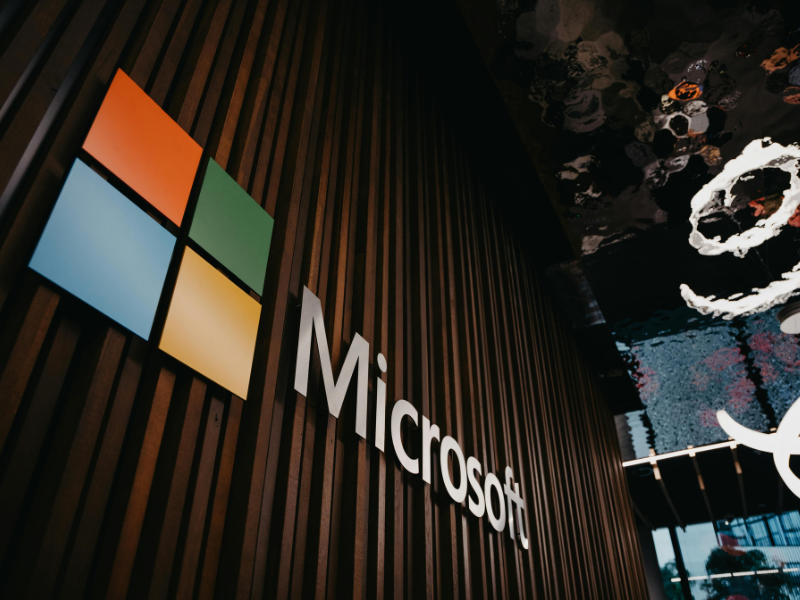
Microsoft 365 combines traditional office tools with cloud collaboration features. Teams enables chat, video calls, and file sharing, while OneDrive ensures secure cloud storage. The integration with Android devices allows users to work on documents on the go.
3. Slack
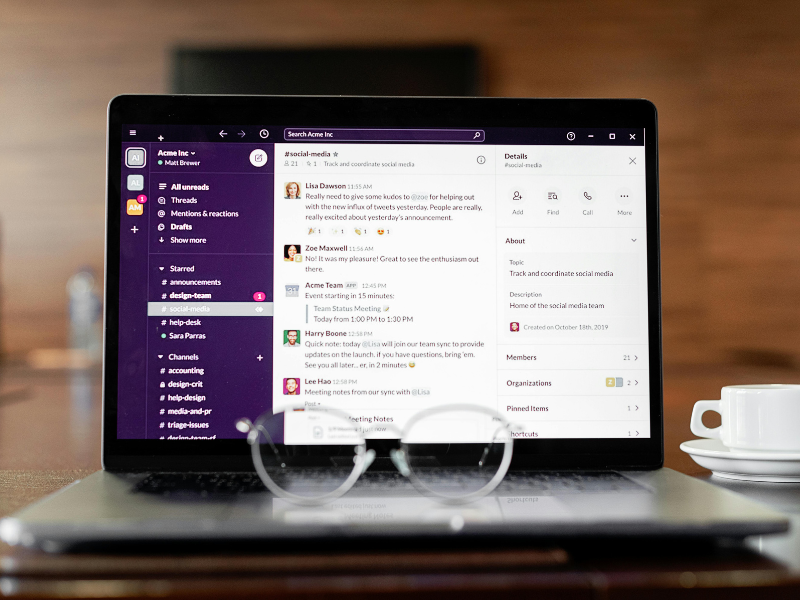
Slack is a messaging-first collaboration tool that organizes conversations into channels. With integration options for calendars, project management apps, and cloud storage, Slack helps teams stay connected without losing focus.
4. Trello
Trello is a visual project management app that uses boards, lists, and cards. It’s ideal for teams who want a clear overview of tasks and deadlines. Android users can drag and drop cards, set reminders, and collaborate with team members in real time.

5. Asana
Asana allows teams to plan, track, and manage projects effectively. Android users can create tasks, assign responsibilities, and track project progress with notifications that keep everyone updated.
6. Notion
Notion combines note-taking, project management, and databases in one app. Its flexibility allows teams to create custom workflows. Android apps sync notes and projects instantly, ensuring that all team members have access to the latest information.

Step-by-Step Guidance for Choosing the Right Cloud Collaboration App
Selecting the best app depends on your team size, workflow, and communication needs. Start by evaluating:
- Team Requirements: Identify whether your team needs strong messaging, project management, or document collaboration.
- Platform Compatibility: Ensure the app works seamlessly across Android, desktops, and tablets.
- Integration Options: Check if it integrates with other apps your team uses, such as calendars, cloud storage, or task management tools.
- Ease of Use: Choose apps with intuitive interfaces to reduce onboarding time.
- Security and Privacy: Verify cloud storage encryption, access controls, and data privacy policies.
- Scalability: Consider apps that grow with your team, supporting additional users and advanced features.
Troubleshooting and Common Mistakes
Many teams fail to maximize productivity due to poor app adoption. Common mistakes include:
- Using multiple tools that don’t integrate creates fragmented workflows.
- Ignoring mobile optimization limits productivity on Android devices.
- Not setting clear roles or permissions leads to confusion and accidental data loss.
- Overcomplicating boards or tasks reduces clarity for team members.
Avoiding these mistakes ensures your cloud collaboration tools provide the maximum benefit.
Advanced Tips and Optional Features
- Automate Workflows: Use built-in automation tools in apps like Trello or Asana to reduce repetitive tasks.
- Custom Templates: Create templates for common projects to save time.
- Offline Access: Ensure apps allow offline editing so work continues without internet interruptions.
- Notifications Optimization: Adjust notifications to avoid distractions while keeping important updates visible.
FAQ
Q1: What are the best cloud collaboration apps for Android in 2026?
Top apps include Google Workspace, Microsoft 365, Slack, Trello, Asana, and Notion, all optimized for Android devices.
Q2: Can small teams benefit from cloud collaboration apps?
Yes. Even small teams gain efficiency, better communication, and organized project tracking, improving productivity across the board.
Q3: Are these apps secure for sensitive data?
Most apps use strong encryption, secure cloud storage, and customizable permissions to ensure data privacy. Always review app privacy policies.
Q4: How do these apps improve remote work?
They allow real-time communication, document collaboration, and task tracking across devices, reducing delays and miscommunication.
Q5: Can these apps replace email for team communication?
In many cases, yes. Apps like Slack and Microsoft Teams reduce email overload by centralizing team chats and notifications.
Conclusion
Cloud collaboration apps in 2026 are essential for boosting productivity, whether your team works remotely or in the office. From Google Workspace to Notion, these apps simplify communication, streamline project management, and enhance workflow efficiency. Choosing the right app and using it effectively can transform the way teams work and collaborate.