As technology evolves, so do cyber threats. In 2026, cybersecurity will be more important than ever, especially for Android users. From sophisticated malware to phishing scams, understanding Cyber Security 2026 is key to protecting your personal data and devices. In this guide, we explore emerging threats and provide practical solutions to keep your Android devices safe.
Why Cyber Security Threats Are Increasing on Android Devices
Android devices are widely used, making them a prime target for cyber criminals. Factors contributing to these threats include:
- Open-source ecosystem: Many apps are available outside official stores, increasing malware risk.
- Delayed updates: Users often skip security updates, leaving vulnerabilities exposed.
- Phishing and social engineering: Attackers trick users into sharing personal data.
- IoT integration: More connected devices mean more entry points for attackers.
Step-by-Step Solutions to Protect Your Android Device
1. Keep Your Device and Apps Updated
- Always enable automatic updates.
- Check app permissions regularly to prevent unnecessary access.
2. Install Trusted Security Apps
- Use reputable antivirus and anti-malware apps.
- Schedule regular scans to detect threats early.
3. Avoid Phishing Scams
- Do not click suspicious links in emails or messages.
- Verify app sources before downloading.
4. Enable Two-Factor Authentication (2FA)
- Add 2FA to all accounts to prevent unauthorized access.
- Use authenticator apps instead of SMS-based codes for better security.
5. Encrypt Your Device and Backup Data
- Enable device encryption to protect stored data.
- Regularly back up data to a secure cloud or offline storage.
Troubleshooting Tips & Common Mistakes
- Mistake: Ignoring system updates → leads to vulnerability.
- Tip: Always read update notes and install immediately.
- Mistake: Using unofficial app stores → risk of malware.
- Tip: Stick to the Google Play Store or trusted sources.
- Mistake: Weak passwords → easy account compromise.
- Tip: Use long, unique passwords and 2FA.
Advanced or Optional Solutions
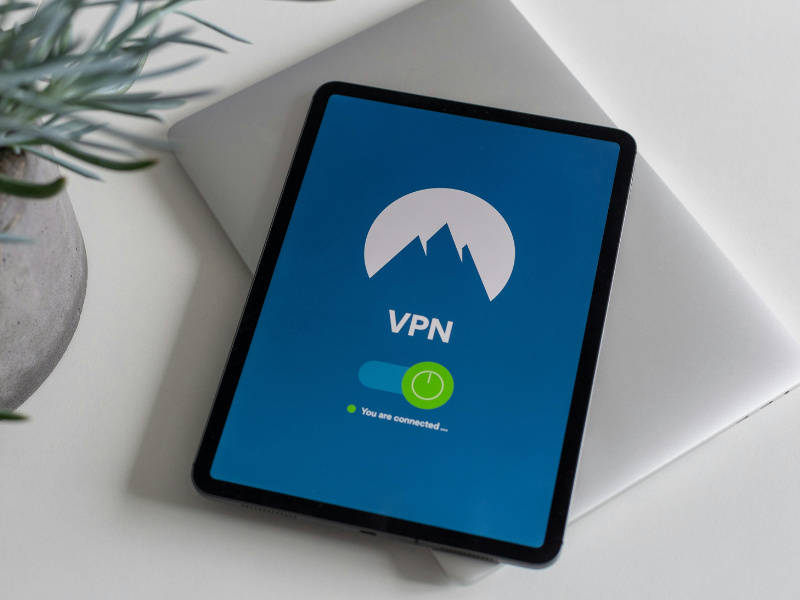
- Use a VPN for secure public Wi-Fi connections.
- Monitor network activity using security apps.
- Enable “Find My Device” for remote lock/wipe in case of theft.
FAQ
How can I tell if my Android is infected with malware?
A: Signs include slow performance, unexpected ads, or battery drain. Run a trusted antivirus scan immediately.
Are all antivirus apps safe for Android?
Only use well-known apps from the Google Play Store with high ratings and reviews.
Can phishing attacks happen on mobile apps?
Yes, attackers can mimic apps or send links via email or messages to steal data.
Does enabling 2FA prevent all cyber threats?
No, it adds a layer of security, but other precautions like updates and antivirus apps are still necessary.
Conclusion
Cyber threats are constantly evolving, especially in 2026. By keeping your Android updated, using trusted apps, enabling 2FA, and staying alert to phishing scams, you can significantly reduce risks. Implementing these practical solutions ensures your data and devices remain safe while enjoying mobile technology confidently.