
Introduction
Cybersecurity for small businesses in 2026 is no longer optional, especially if your daily work depends on Android phones and tablets. Many small business owners use Android devices for emails, payments, cloud apps, customer chats, and internal work. This convenience also makes Android a common target for cyber attacks.
In 2026, cyber threats are smarter, faster, and often designed to exploit simple mistakes. A single infected app or weak password can expose customer data, business files, and financial details. The good news is that most Android-related security problems can be prevented with the right setup and habits.
This guide explains why cybersecurity issues happen on Android devices and shows you step-by-step how to protect your small business in a clear and practical way.

Why Cyber Security Problems Happen on Android Devices
Android is flexible, powerful, and widely used. That is exactly why attackers focus on it. Small businesses are often targeted because they usually have fewer security controls than large companies.
Common Reasons Android Security Issues Occur
1. Installing apps from unsafe sources
Many Android users install apps outside the Play Store. These apps may contain hidden malware that steals data or tracks activity.
2. Weak screen locks and passwords
Using simple PINs or reusing the same password across apps makes it easy for attackers to break in.
3. Outdated Android versions
Older Android versions miss important security patches that fix known vulnerabilities.
4. Unsecured Wi-Fi connections
Public or poorly secured Wi-Fi networks allow attackers to intercept business data.
5. Lack of employee awareness
Small teams often share devices or accounts without clear security rules.
Understanding these causes helps you fix the real problem instead of reacting after damage is done.
Step-by-Step Cyber Security Strategies for Small Businesses in 2026
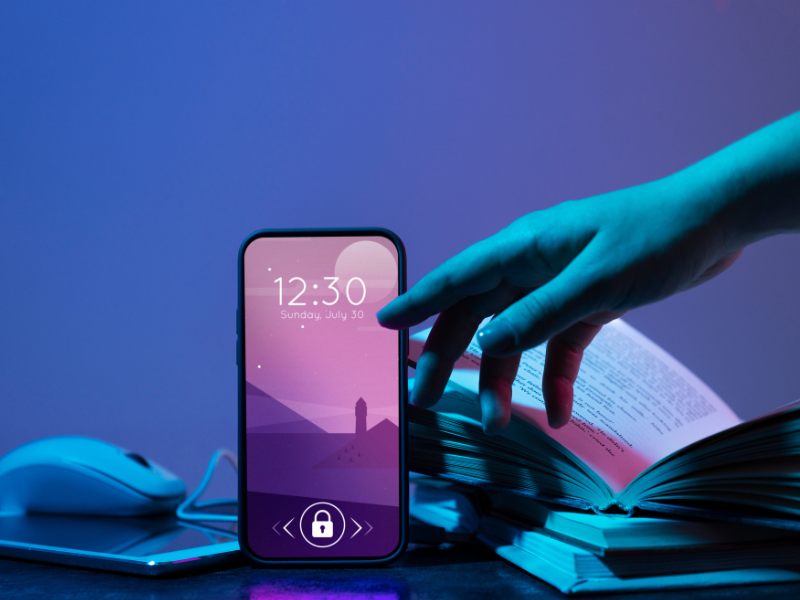
Step 1: Secure Every Android Device Used for Work
Start with the basics. Every Android phone or tablet used for business must follow minimum security rules.
What to do:
- Set a strong screen lock (password or pattern, not simple PINs)
- Enable fingerprint or face unlock if available
- Turn on automatic screen lock after inactivity
- Enable “Find My Device” for remote locking and wiping
These steps protect your data even if the device is lost or stolen.
Step 2: Keep Android and Apps Updated
Updates are not just about new features. They fix security holes that attackers already know about.
Best practices:
- Enable automatic Android system updates
- Update business apps regularly
- Remove apps that are no longer used
- Avoid using outdated devices for business work
Outdated software is one of the biggest cyber risks for small businesses.

Step 3: Use Secure Business Apps Only
Not all apps are safe for business use. Some collect excessive data or lack proper encryption.
How to choose secure apps:
- Download apps only from the Play Store
- Check app permissions before installing
- Avoid apps that ask for unnecessary access
- Prefer apps that support app locking or encryption
This is especially important for finance, communication, and file-sharing apps.

Step 4: Protect Business Data on Android
Data protection is at the heart of cyber security for small businesses in 2026.
Key actions:
- Enable device encryption (usually on by default)
- Use secure cloud backups with access control
- Avoid storing sensitive data in plain text
- Separate personal and business files if possible
If a device is compromised, encrypted data is much harder to misuse.
Step 5: Secure Internet and Wi-Fi Usage
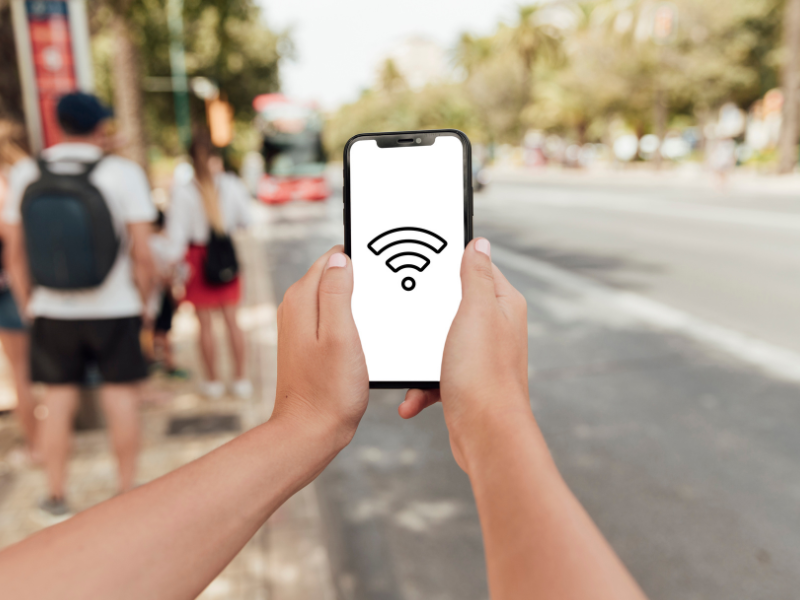
Many Android attacks happen through unsafe networks.
Safe network habits:
- Avoid public Wi-Fi for business tasks
- Use password-protected Wi-Fi at work
- Turn off Wi-Fi auto-connect
- Use mobile data when unsure about network security
This reduces the risk of data interception.
Step 6: Educate Your Team on Android Security
Even the best security setup fails if users make mistakes.
Teach employees to:
- Avoid clicking unknown links
- Never share OTPs or passwords
- Recognize fake login screens
- Report unusual device behavior
Human awareness is one of the strongest defenses against cyber threats.
Troubleshooting Tips and Common Mistakes to Avoid
Common Mistakes
- Using one password for all apps
- Ignoring Android update notifications
- Granting all app permissions by default
- Mixing personal and business apps
- Assuming small businesses are not targets
Quick Fixes
- Review app permissions monthly
- Change passwords every few months
- Remove unknown apps immediately
- Restart devices regularly to apply updates
These small habits make a big difference.
Advanced and Optional Security Measures
If your business handles sensitive data or payments, consider extra protection.
Advanced Options
- Use separate Android devices only for business
- Enable app-level authentication
- Restrict USB file transfers
- Monitor unusual data usage
- Create a basic incident response plan
These steps add another layer of safety without being complicated.
FAQ: Cyber Security for Small Businesses in 2026
Is Android safe for small business use in 2026?
Yes, Android is safe if properly secured, updated, and used with trusted apps.
Do small businesses really get targeted by hackers?
Yes. Small businesses are often targeted because they usually have weaker security controls.
How often should Android devices be checked for security?
At least once a month for updates, app permissions, and unusual activity.
Can one infected Android app harm the entire business?
Yes. A single compromised device can expose emails, contacts, and shared files.
Should employees use personal Android phones for work?
It is safer to use dedicated business devices or clearly separate work and personal data.
Conclusion and Final Advice
Cybersecurity for small businesses in 2026 depends heavily on how Android devices are used and managed. Most threats do not come from advanced hacking tools but from simple oversights like outdated software, weak passwords, or unsafe apps.
By securing Android devices, keeping systems updated, protecting data, and educating users, small businesses can avoid most cyber risks. Start with basic steps today and improve gradually. Consistent habits are more effective than complex tools.
Your Android devices should help your business grow, not become a security risk. Stay alert, stay updated, and keep security simple and practical.