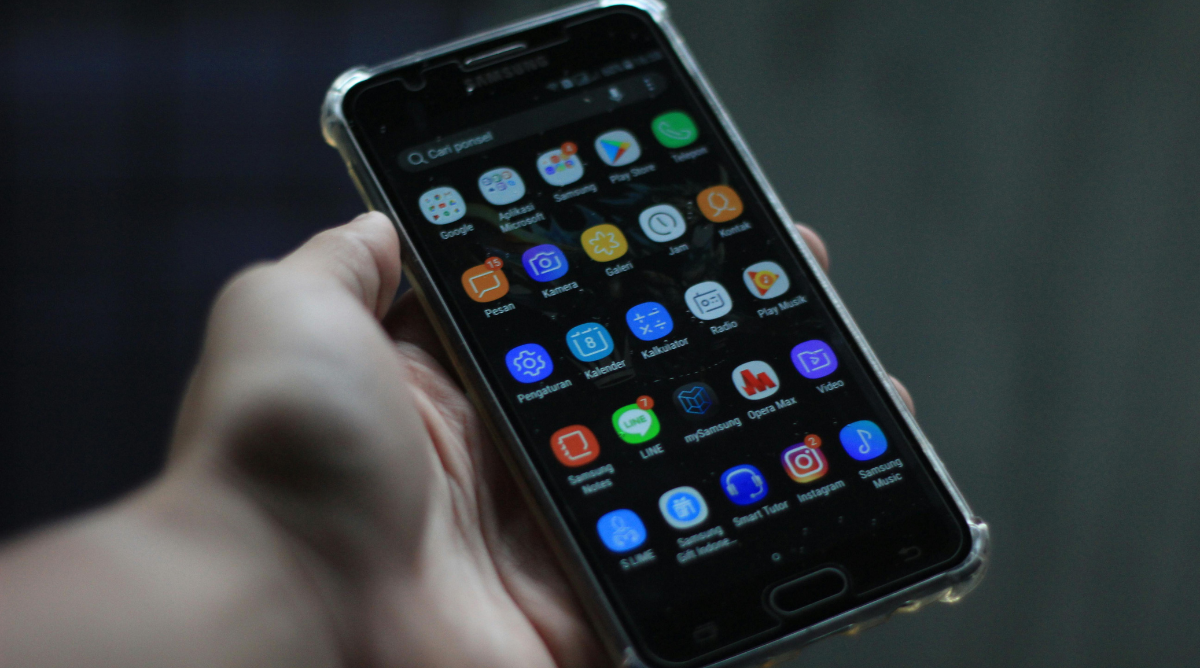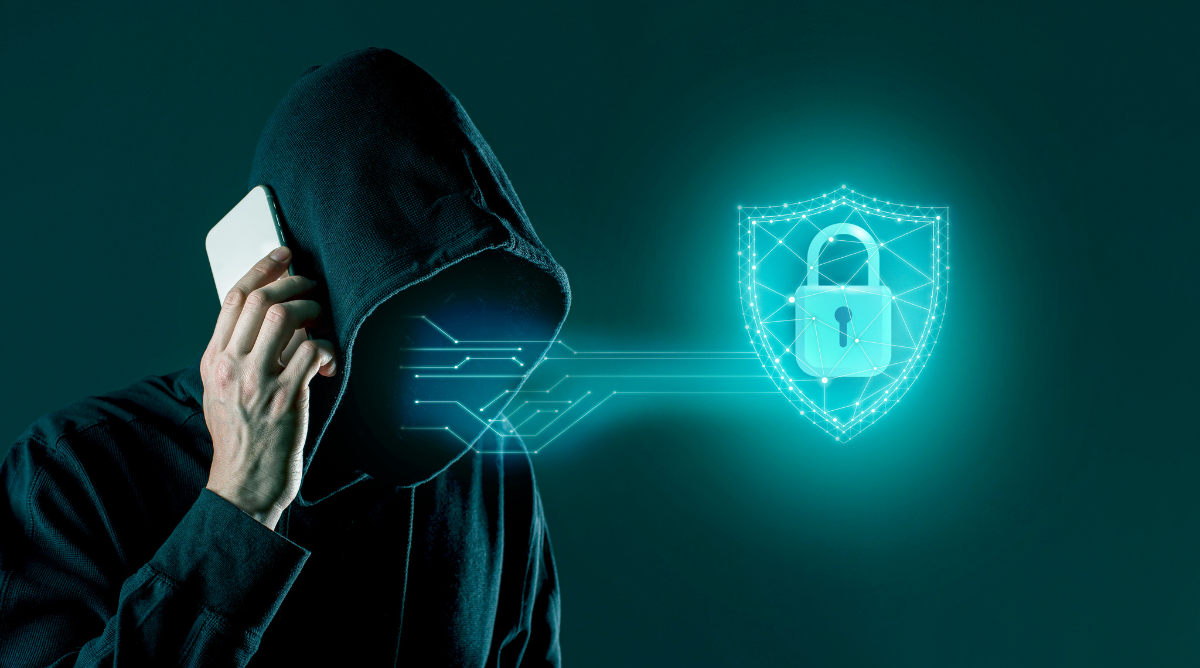

Secure your devices and data 2026 is essential for protecting your Android, PC, and online accounts from growing cyber threats. This complete guide shows beginners and experienced users how to strengthen security, prevent data breaches, and maintain privacy across all platforms. Following these steps ensures that your devices and information remain safe while improving overall digital security.
The Problem: Rising Cybersecurity Threats
With the increasing use of mobile devices, cloud storage, and online services, cyber threats are growing more sophisticated. Many users are unaware of vulnerabilities in their systems, such as weak passwords, outdated software, and unprotected networks. Hackers can exploit these weaknesses to steal sensitive data, install malware, or gain unauthorized access to accounts. Without proper security measures, personal and financial information is at risk, making it essential to adopt a proactive approach to cybersecurity.
1. Strong Passwords and Authentication
Passwords are the first line of defense. Always use unique, complex passwords for every account. Consider password managers to securely store and generate strong passwords. Enable two-factor authentication (2FA) for added protection on Android apps, email accounts, and online services.
2. Keep Devices and Software Updated
Regular updates patch security vulnerabilities in operating systems and apps. On Android devices, ensure automatic updates are enabled. For PCs, enable automatic Windows or macOS updates. Software updates often include critical security fixes that prevent malware attacks.
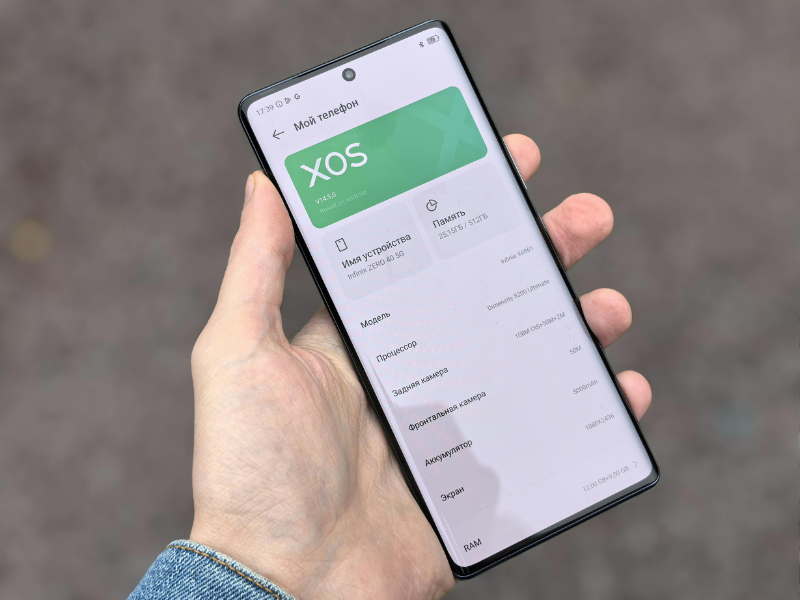
3. Use Trusted Security Apps
Install antivirus and anti-malware apps from reputable sources. These apps scan for malicious software, block phishing attempts, and monitor suspicious activity on Android and desktop devices.

4. Secure Network Connections
Avoid using public Wi-Fi for sensitive tasks. Use a VPN (Virtual Private Network) to encrypt internet traffic. Ensure your home Wi-Fi has a strong password and WPA3 encryption if supported.

5. Backup and Encrypt Your Data
Regularly back up important files to cloud storage or external drives. Use encryption tools for sensitive documents. This protects your data in case of device theft, accidental deletion, or ransomware attacks.
Step-by-Step Guidance
- Evaluate your devices: Identify all devices that access personal or work data.
- Install security apps: Antivirus, anti-malware, and password managers.
- Enable 2FA: Set up two-factor authentication on accounts.
- Update regularly: Enable automatic updates for OS and apps.
- Use VPNs for public networks: Encrypt your connections.
- Back up important files: Schedule cloud backups and consider local encrypted backups.
Troubleshooting and Common Mistakes
- Reusing passwords: Avoid using the same password across multiple accounts.
- Ignoring updates: Many users delay updates, leaving vulnerabilities exposed.
- Using untrusted apps: Downloading apps from unofficial sources increases malware risk.
- Neglecting network security: Public Wi-Fi without VPN can expose sensitive data.
Advanced Tips
- Monitor accounts for breaches: Use services to check if your email or accounts are compromised.
- Use encrypted messaging: Protect communications with apps like Signal or WhatsApp end-to-end encryption.
- Regular device audits: Periodically review app permissions, connected devices, and account access.
- Educate yourself: Stay updated on emerging cyber threats and security trends in 2026.
FAQ
Q1: How can beginners secure their Android devices?
Use strong passwords, enable 2FA, keep apps updated, install antivirus apps, and avoid public Wi-Fi without VPN protection.
Q2: What is the best way to protect personal data online?
Use strong, unique passwords, enable 2FA, encrypt sensitive files, and monitor accounts for unauthorized access.
Q3: Are VPNs necessary for all users?
While not mandatory, VPNs add an extra layer of encryption, especially when using public Wi-Fi or unsecured networks.
Q4: How often should I back up my data?
Important files should be backed up at least weekly, with sensitive data encrypted for maximum protection.
Q5: Can cybersecurity apps replace good security habits?
No, apps assist with protection, but strong habits—like using 2FA, updating software, and avoiding suspicious links—are equally essential.
Conclusion
Protecting your devices and data in 2026 is essential for maintaining privacy and preventing cyber threats. By following best practices—using strong passwords, enabling 2FA, keeping software updated, securing networks, and backing up files—you can safeguard your information across Android and desktop platforms. A proactive approach to cybersecurity ensures your personal and professional data remains secure in today’s digital environment.