Introduction
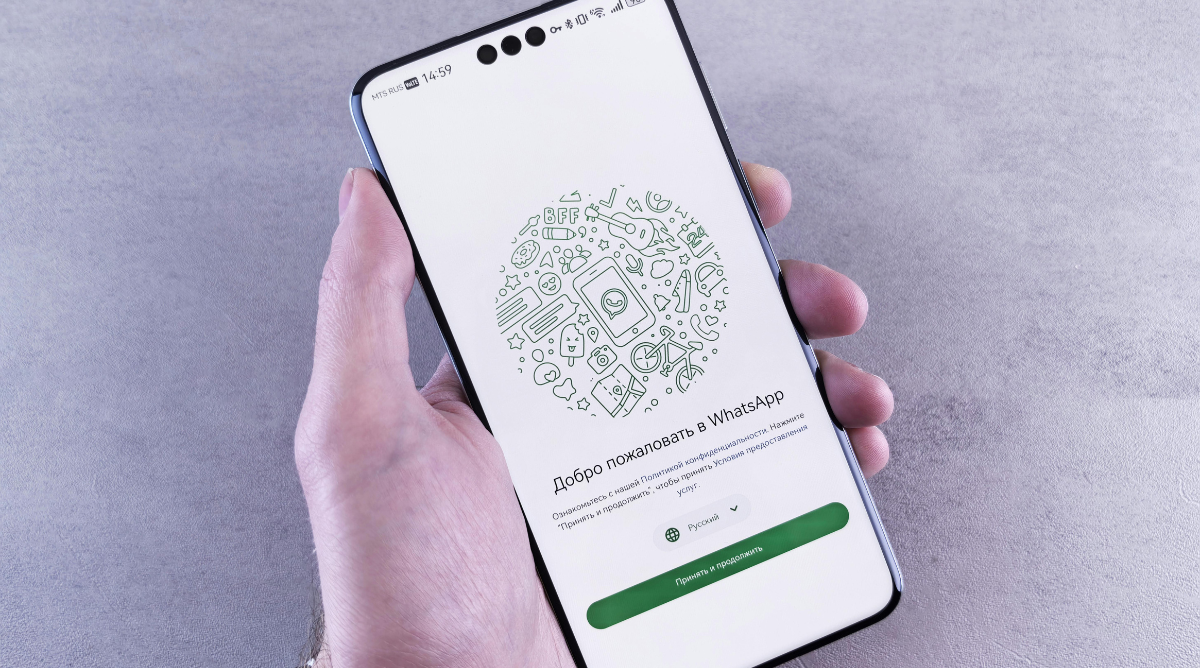
WhatsApp not downloading media on Android solution is something many users start searching for when images, videos, or voice notes suddenly stop loading. You tap the download arrow, wait for a few seconds, and nothing happens. Sometimes it fails silently. Sometimes it shows a download error. Either way, it quickly becomes frustrating.
This problem can appear on any Android phone, whether it is new or old, and it does not always mean something is seriously wrong with your device. In most cases, the issue is related to settings, storage, permissions, or network behavior that can be fixed without technical knowledge. This guide walks you through every possible cause and explains how to fix it step by step in a clear and practical way.
Problem Explanation
When WhatsApp fails to download media on Android, the app is usually blocked from completing the download process. Android relies on multiple system components working together, including internet access, storage availability, background permissions, and battery management rules. If even one of these parts is misconfigured, media downloads can stop working.
Another reason this issue feels confusing is that messages still arrive normally. Text messages load instantly, which makes it seem like the internet is working fine. However, media files require additional permissions and stable background access. That is why this problem often appears suddenly, even if WhatsApp worked perfectly before.
Main Content Sections
WhatsApp Not Downloading Media on Android: Solution Overview
The WhatsApp not downloading media on Android solution is not a single fix. It is a process of checking a few important areas that commonly cause this issue. Android updates, storage limits, data restrictions, or even incorrect date and time settings can interfere with media downloads.
Instead of reinstalling the app immediately, it is better to follow a logical order. This avoids data loss and saves time. The sections below explain each fix in detail, starting with the most common and safest solutions.
Check Internet Connection for WhatsApp Media Downloads
A weak or unstable internet connection is one of the most common reasons media does not download.
WhatsApp Not Downloading Media on Android Solution Using Network Check
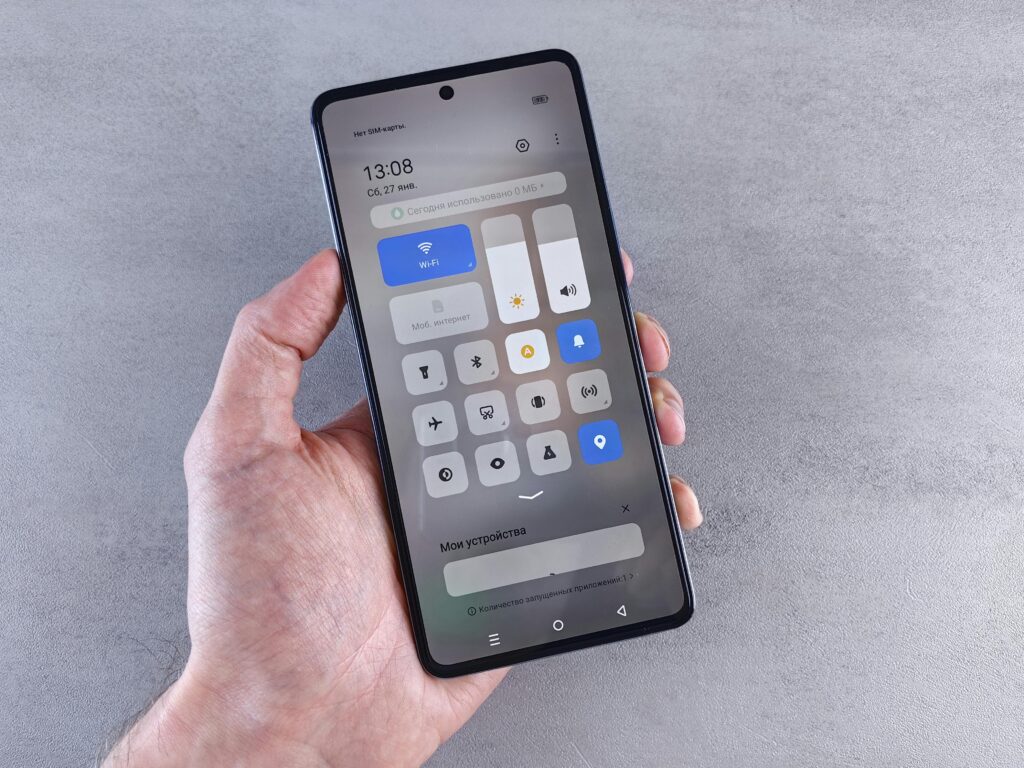
Switch between Wi-Fi and mobile data to see if the problem continues. If media downloads on one network but not the other, the issue is network-related rather than app-related.
Make sure background data is enabled for WhatsApp. On Android, some data saver modes restrict apps from using the internet unless they are open on screen. This can stop large files like videos and voice notes from downloading properly.
When Wi-Fi Causes Download Failure
Some public or office Wi-Fi networks block large file downloads. If WhatsApp media only fails on a specific Wi-Fi network, try using mobile data or another Wi-Fi connection.
Storage Issues Causing WhatsApp Media Download Errors
Android needs free internal storage to save WhatsApp media files. Even if you have an SD card, WhatsApp still relies heavily on internal storage.
WhatsApp Not Downloading Media on Android Solution for Low Storage
Check your phone’s storage settings and make sure there is enough free space available. If storage is nearly full, WhatsApp may fail silently without showing a clear warning.
Delete unused apps, old screenshots, or large video files that are no longer needed. Clearing space often fixes the problem instantly.
WhatsApp Storage Folder Access
WhatsApp creates its own media folders on Android. If these folders are corrupted or restricted, downloads can fail. Ensuring proper storage access is essential, which is covered in the permissions section below.
App Permissions Blocking WhatsApp Media Downloads
Permissions are a major reason WhatsApp stops downloading media, especially after Android updates.
WhatsApp Not Downloading Media on Android Solution Using Permissions
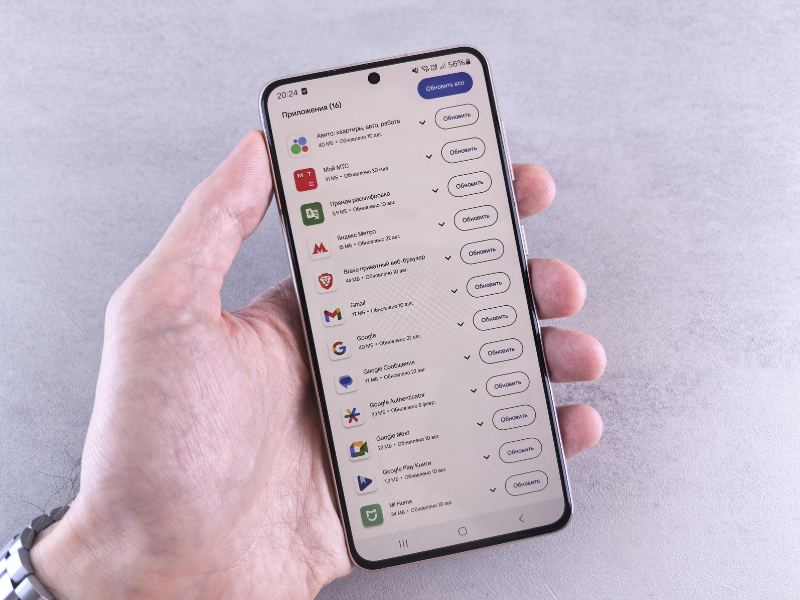
Open your Android app settings and check WhatsApp permissions. Storage access must be allowed, or the app cannot save images, videos, or audio files.
On newer Android versions, permissions are more detailed. Make sure WhatsApp is allowed to access media files and photos, not just basic storage.
Background Data and Battery Permissions
Android may restrict WhatsApp in the background to save battery. This can interrupt downloads when the screen is locked.
WhatsApp Not Downloading Media on Android: Solution for Battery Optimization
Disable battery optimization for WhatsApp so the app can finish downloads even when you are not actively using it.
Incorrect Date and Time Settings on Android
This may sound minor, but incorrect date and time settings can prevent WhatsApp from connecting properly to its servers.
WhatsApp Not Downloading Media on Android Solution with Date and Time Fix
Set your phone’s date and time to automatic using network-provided settings. Manual time settings that are even a few minutes off can cause media download failures.
Restart WhatsApp after correcting the date and time to apply the change.
WhatsApp App Cache Problems
Cached data helps apps run faster, but corrupted cache files can cause unexpected issues.
WhatsApp Not Downloading Media on Android Solution by Clearing Cache
Clear WhatsApp cache from Android settings without clearing data. This does not delete chats or media but refreshes temporary files that may be causing the issue.
Avoid clearing app data unless it is a last resort, as it may remove local chat history if backups are not available.
Android System Updates and Compatibility
Outdated Android system software can sometimes conflict with app behavior.
WhatsApp Not Downloading Media on Android Solution Using System Update
Check for pending Android updates and install them if available. System updates often include bug fixes that improve app compatibility and storage handling.
Restart your phone after updating to ensure system changes apply correctly.
11. Troubleshooting Tips & Common Mistakes
Many users reinstall WhatsApp immediately, which is often unnecessary and risky if backups are not recent. Always try permission, storage, and network fixes first.
Avoid using aggressive battery saver apps that force-stop WhatsApp in the background. These apps frequently interfere with media downloads.
Do not deny storage permissions when prompted, even if Android labels them as optional. WhatsApp requires them to function normally.
12. Advanced or Optional Tips
If the problem continues, check whether your SD card is malfunctioning. A damaged SD card can prevent media from saving properly. Temporarily remove it and test downloads using internal storage only.
Also check if your phone has a system-wide data restriction profile enabled. Some Android devices allow separate profiles that limit downloads to save data.
FAQ
Why does WhatsApp download text messages but not media?
Text messages require very little data and storage access. Media files need stable internet, storage permissions, and background activity, which is why they fail more often.
Does clearing WhatsApp cache delete chats?
No, clearing the cache only removes temporary files. Chats and media remain safe unless you clear app data.
Can Android updates cause WhatsApp media issues?
Yes, updates can reset permissions or introduce battery restrictions that block downloads until manually adjusted.
Why does WhatsApp media download work on mobile data but not Wi-Fi?
Some Wi-Fi networks restrict large file transfers. Switching networks helps confirm this issue.
Conclusion
The WhatsApp not downloading media on Android solution usually comes down to a few simple checks rather than a serious app or phone problem. Storage limits, permissions, background restrictions, and network settings are the most common causes. By following the steps in this guide carefully, most users can fix the issue without reinstalling WhatsApp or losing data. Keeping Android updated and permissions correctly set helps prevent this problem from returning.